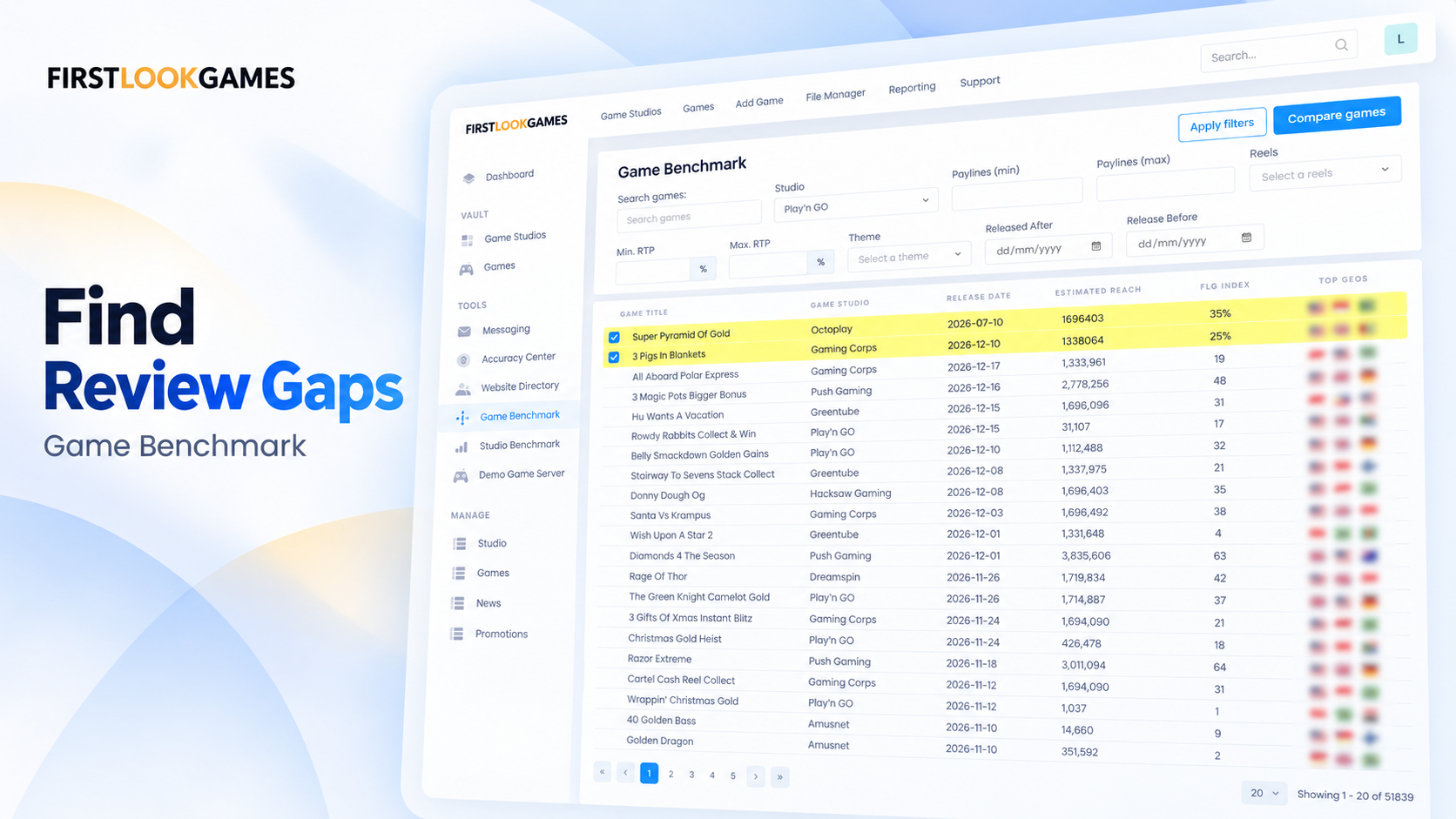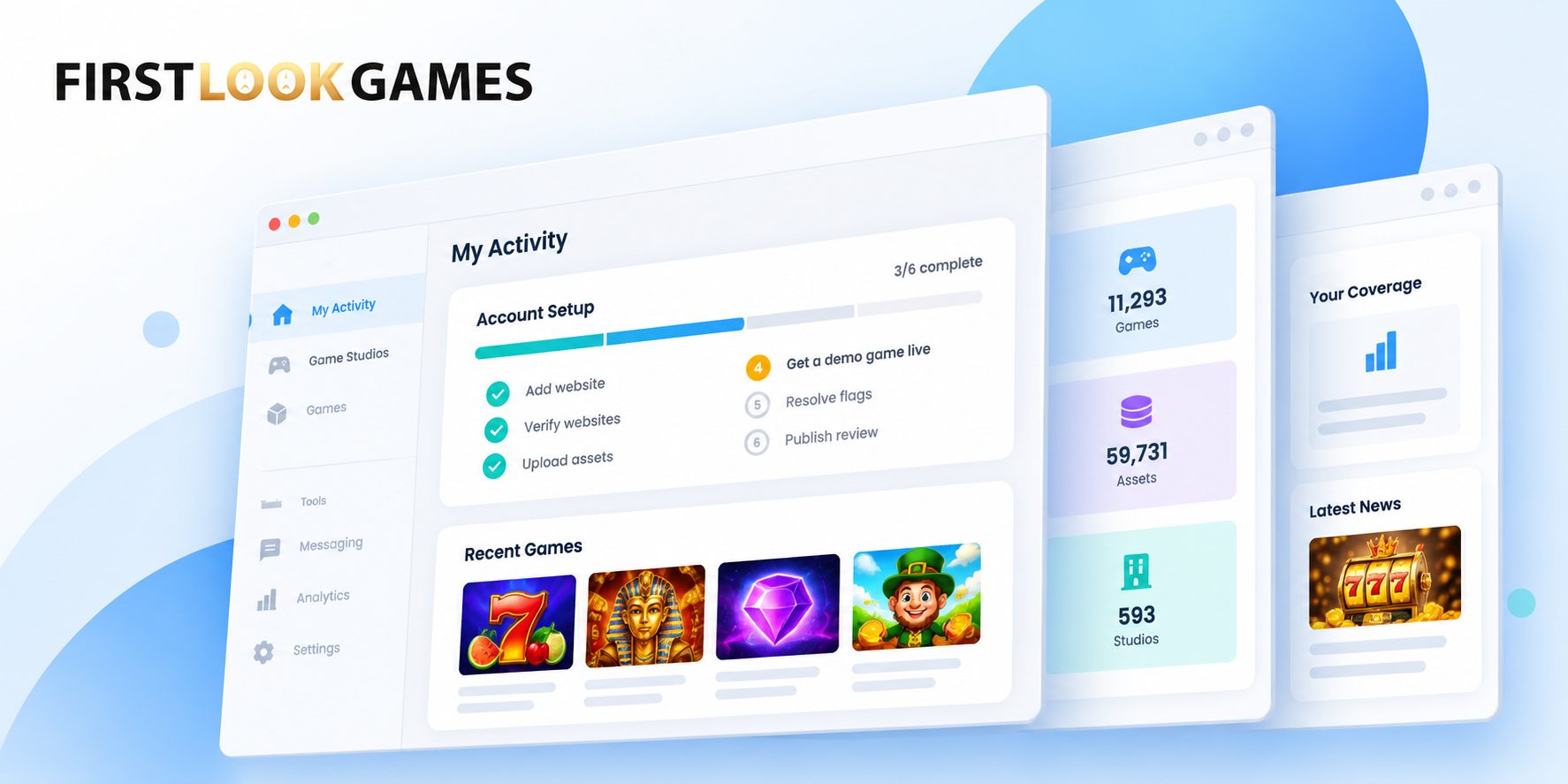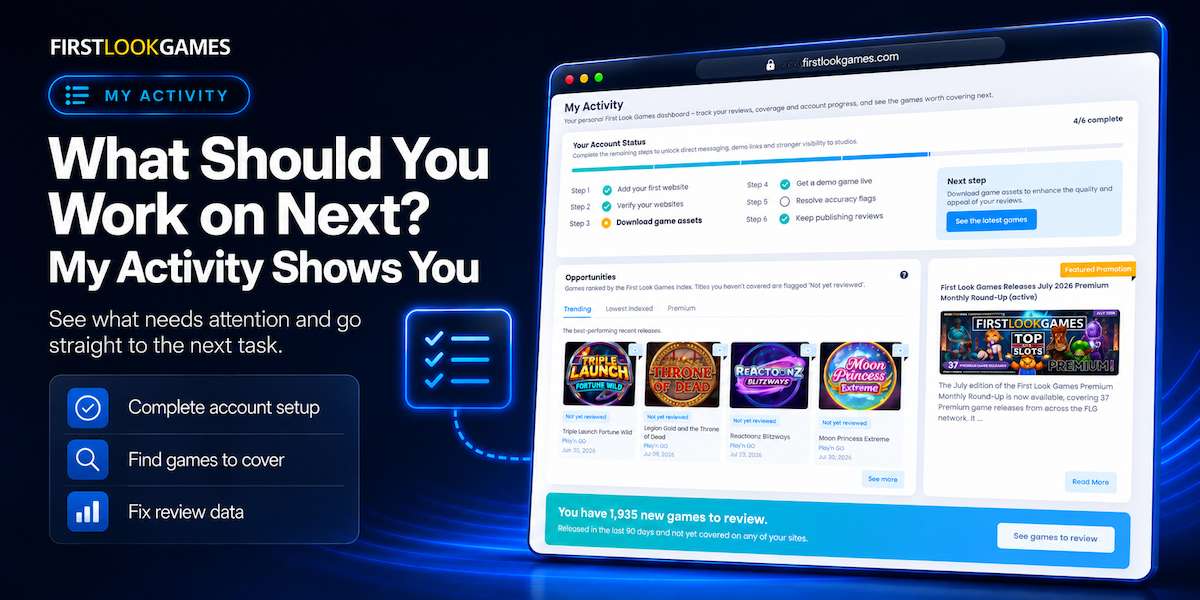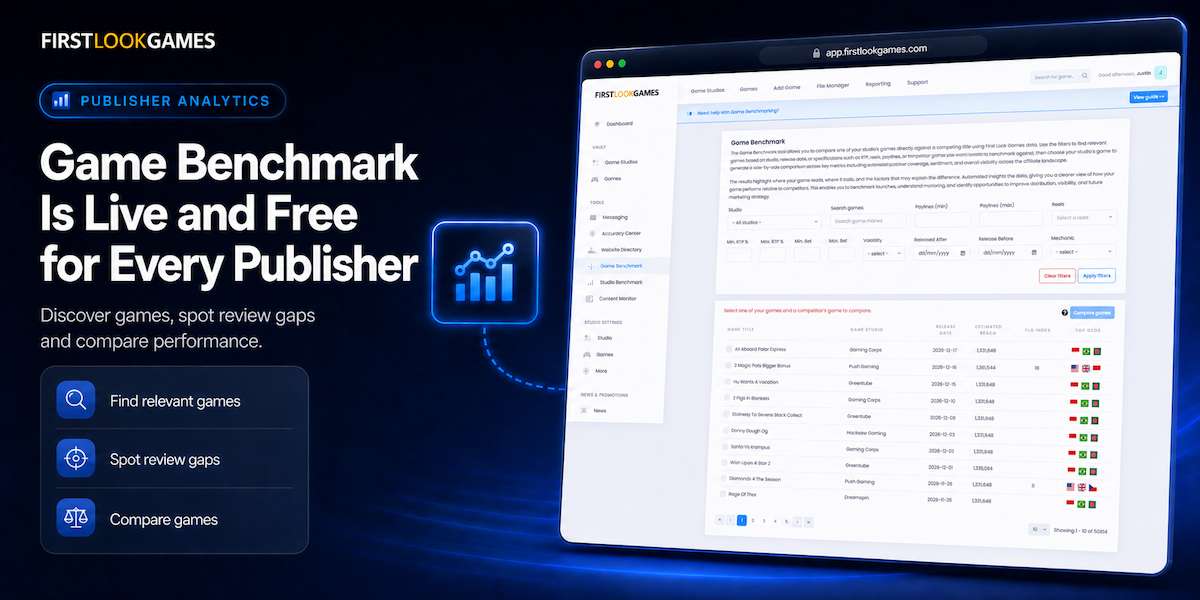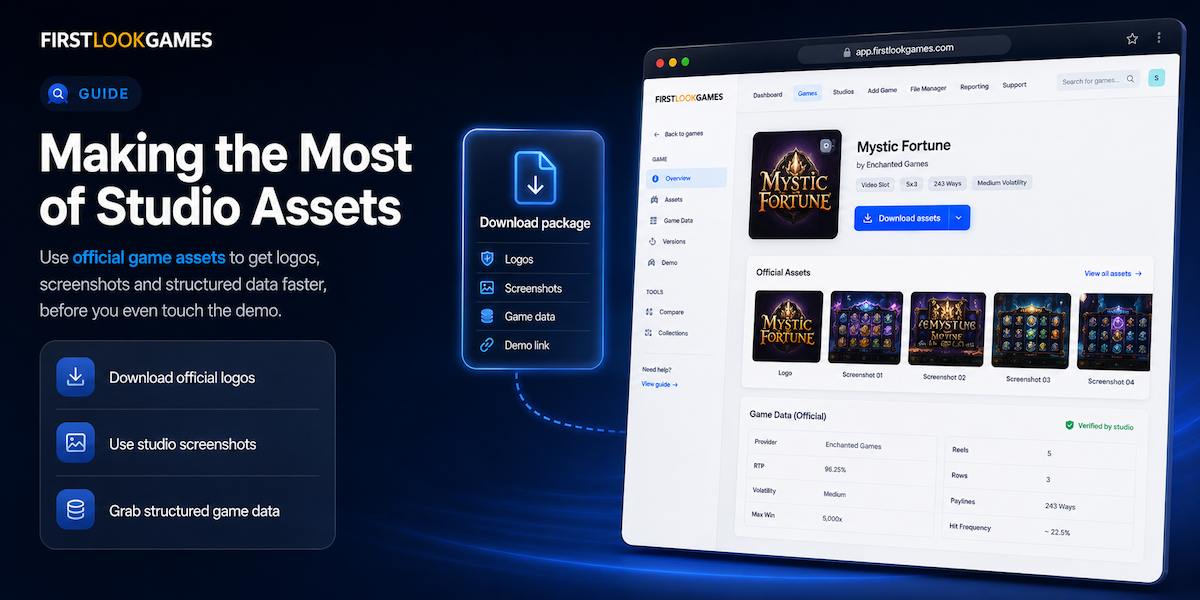
A lot of publishers arrive at a game’s FLG page and head straight for the demo – but the demo is the hardest thing to integrate. Before you get to embedding a playable game, there are assets and structured game data that take seconds to use and make the rest of the page better.
Above the demo link, often unnoticed, is a Download button. It contains everything the studio has uploaded for that game: logos, screenshots, structured game data, and more. For many publishers, it is the most useful feature they are not using.
This article describes what is actually in those downloads, why it differs from what you would find yourself, and where using it changes the speed and quality of producing a game page.
Three key takeaways
- The Download button on each game page gives you every asset the studio has uploaded – not just a demo link.
- Official assets reduce production time and can improve page quality compared to resized press-release images or search-engine logos.
- The assets inside the Download button can replace the logos, screenshots and game data you would otherwise source from search engines and press releases.
Why the asset pack matters before the demo
When a publisher covers a game, they typically need a logo, a screenshot or two, and the key game data: RTP, volatility, paylines, and what features the game has. A common approach is to pull a logo from an image search, take a screenshot from the studio’s website, and copy the game data from a press release or another publisher’s page.
This works, and it is fast. But it comes with trade-offs that compound across hundreds of game pages. The logo from a search engine is often low resolution, cropped from a banner, or carries a white background instead of transparency. The screenshot is a loading screen rather than a gameplay moment.
FLG game pages contain what the studio chose to upload. They are the files the studio supplied to FLG, available on every game page that has been activated for publisher access.
What the download contains
On any game page, the Download button triggers a zip file containing everything the studio has made available. For a well-maintained game listing, that typically means:
- Logos – usually transparent-background PNGs at the resolution the studio supplies. These are the files the studio has uploaded to FLG.
- Screenshots – supplied by the studio. The number varies, from two or three to a dozen or more. Some packs include loading screens or menu captures alongside gameplay shots; the contents depend entirely on what the studio chose to upload.
- Structured game data – not a flat PDF. The data is embedded in the page already, but having the download means you are working from the version the studio has supplied rather than a copy from another site.
Some studios include additional material: character art, banner templates, promotional videos.
For a publisher producing a game review or listing, these three asset types cover most of what goes on the page. The data is already structured. The only things missing are your own words and your own opinion.
Why better visuals earn more than clicks
Using studio-supplied images rather than search-engine grabs changes how a page looks, and that changes how it performs. A review page with clear, properly sized screenshots and a transparent logo looks more authoritative to both readers and search engines – visual quality contributes to how content is assessed.
There is a conversion benefit too. When a player sees accurate screenshots that match the actual game, they know what to expect. No surprises. Someone who clicks through to the casino from your review is more likely to convert, and more likely to keep playing once they arrive. A page built with proper assets sets the right expectation, and that expectation carries through to the operator.
A small practical step: every image you use from the asset pack should carry descriptive alt text. Studio-supplied files often arrive with generic filenames. Adding alt text like “Big Bass Bonanza free spins feature screenshot” or “Gates of Olympus logo” gives search engines context they cannot get from the file alone, and makes the page more accessible.
A suggested workflow
The download button is per-game, so fitting it into your production routine is straightforward:
First, after you decide to cover a game, go to its FLG page and download the asset pack. Do this before you start writing. Having the official logo on your desktop and the studio-supplied RTP in front of you means you are not switching tabs mid-sentence to hunt for data.
Second, open the asset folder and check what is there. If the studio has provided multiple screenshots, pick the ones that show gameplay rather than menus or loading screens. If they have provided a transparent logo, use it instead of the search-engine version.
Third, note what the studio has not uploaded. An incomplete asset folder tells you that this game has limited assets available. That does not mean you should not cover it, but it does mean you will need to source images and data elsewhere. Knowing that upfront saves the time you would otherwise spend searching for assets that do not exist on the platform.
What you get with the asset pack
FLG distributes whatever the studio uploads – these are the official asset packs the studio maintains on the platform. When a studio updates its game data or adds new screenshots, those changes appear in the download for every publisher who covers that game.
Because FLG does not convert, resize, or modify the assets, what you download is exactly what the studio supplied. That means resolution and format vary between studios. If a studio has uploaded one logo and no screenshots, that is what you will find. The platform gives you direct access to the source material, kept current by the studios themselves.
Downloading assets does not create any obligation between you and the studio. It does not guarantee that the studio will contact you, send you exclusive material, or prioritise you for future releases. It is a production tool, not a commercial agreement.
Using studio assets does not by itself improve your traffic or search rankings. What it does is remove the friction that comes from working with second-hand images and re-typed data – friction that, across a site with hundreds of game pages, adds up to hours of avoidable work.
Getting started
The next time you cover a game, go to its FLG page first. Click Download. Open the folder. If the assets are there, use them. If they are not, you will at least know before you start writing.
Log in at First Look Games to browse games and download studio-provided assets.
FAQ
Do I need permission from the studio to use these assets?
The assets are provided by studios through FLG for publisher use. They are uploaded for the purpose of being used in game coverage. If a studio has made an asset available for download, it is offered for that purpose.
What if the studio has not uploaded many assets?
Some studios maintain their FLG presence more actively than others. If a game page has few or no assets, it means the studio has not provided them – not that you are missing a setting. The platform shows you exactly what is available, and you can decide whether what is there is enough for your page.