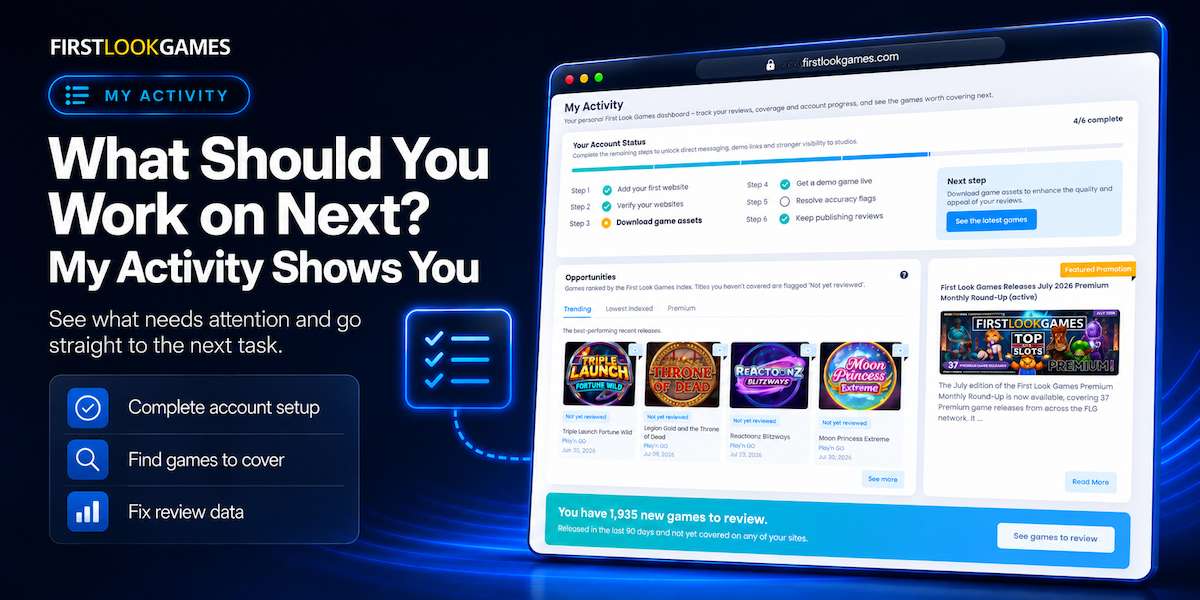
A typical publisher’s week runs on a handful of small decisions: which games to cover next, which of your own pages need fixing, and whether your account is set up to get the most out of everything that First Look Games offers. Each of those answers lives in a different place. My Activity puts them on one page, in the order you need them.
Key takeaways
- My Activity is a to-do list for your account, not another analytics screen.
- It shows the games you have not covered yet, ranked by the FLG Index.
- It flags reviews where your game data may need correcting.
Each of those jobs has a cost when it is not done. An account that is not fully set up leaves messaging with studios and demo links out of reach. Games you have not covered can otherwise be easy to miss. And a review with the wrong RTP sits on your site, in front of your readers, until someone spots it. They slip because the answers are not in one place.
What the “My Activity” page shows
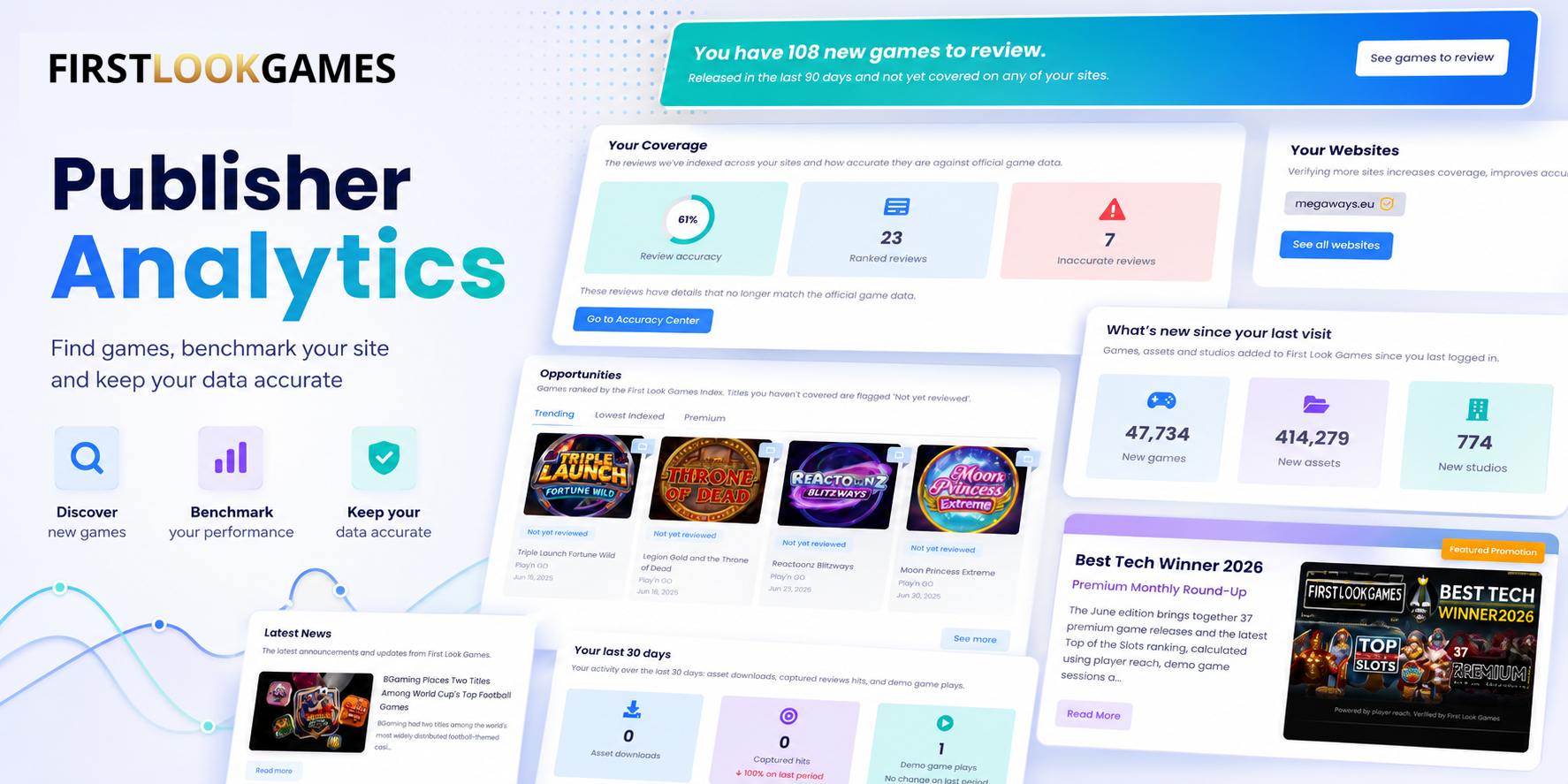
At the top, My Activity shows your account status. Six stages with a prompt for the next one::add your first website, verify your websites, download game assets, get a demo game live, resolve accuracy flags, and publish your first review. Each is judged on its own, so the page shows what is actually done rather than where you are in a sequence. The step you have not finished is highlighted, and a panel beside it gives you that one task, with a button that takes you straight there.
Finishing is not about tidiness. Verifying your sites opens direct messaging with studios and demo links. Downloading assets gives you access to the files studios supply for their games. Resolving accuracy flags cleans up the coverage studios see when they look you up.
Next is the question most publishers care about: which games they have missed? The Opportunities section ranks recent games by the FLG Index, in five lists.
- Trending shows the games performing best on affiliate reach.
- Lowest Indexed is the opposite, games with little reach so far, which you could rank for..
- Premium is the flagship games the studios want publishers to see, usually ahead of launch.
- The two Top 3 Markets lists repeat Trending and Lowest Indexed for the countries your sites already reach.
Further down, the accuracy of your content is summarised . A review that does not match the specifications of official game data is listed with a link to it and to the correct details. Studios see that figure, so fixing a flagged review keeps your game information correct and shows you keep it current.
What you do with it
Work the page top to bottom. Do the highlighted setup step. Then pick games to cover from the “Not yet reviewed” list. When a review is flagged, open it and correct the data.
Open My Activity and do the highlighted action.
FAQ
Do I have to finish every account step before the page is useful?
No. Each step is judged on its own, so the page works from day one. The highlighted step is a suggestion of where to go next, and verifying your websites is the step that opens messaging and demo links.
Why is a game I just covered still marked “Not yet reviewed”?
This reflects reviews the scanner has captured, which lags publication by a short while. It clears once the page has found your review, so a freshly published review can stay flagged for a brief period.